Barcode Label Printer User Guide
Leave a message
Usage Notes
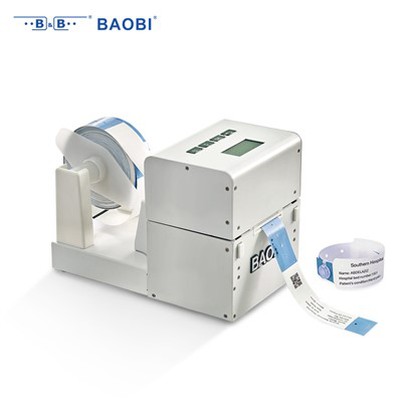
For general barcode printing equipment, follow the directions shown in the diagram. The dotted lines indicate the ribbon installation path, and the solid lines indicate the label path. If the waste ribbon is difficult to peel off after rewinding, wrap a smooth backing paper from a waste label around the rewind shaft before loading the ribbon. When installing labels, adjust the paper limiter according to the label width. Evenly distributed pressure head springs prevent label misalignment. A paper test is required the first time the printer is used.
Panel Controls
PAUSE button: Pause and start printing.
FEED button: Feed one sheet of paper.
CANCEL button: When print data is transmitted to the printer but printing is not required, press PAUSE first, then press CANCEL repeatedly until the data light turns off.
CALIBRATE: Label test. When installing new label sizes, test all label parameters before normal printing.
Method: Press PAUSE first, then CALIBRATE to test the paper. An acceleration of the label during the paper test indicates a correct test.
Note: After the paper test, the label can be rewound, but the ribbon cannot.